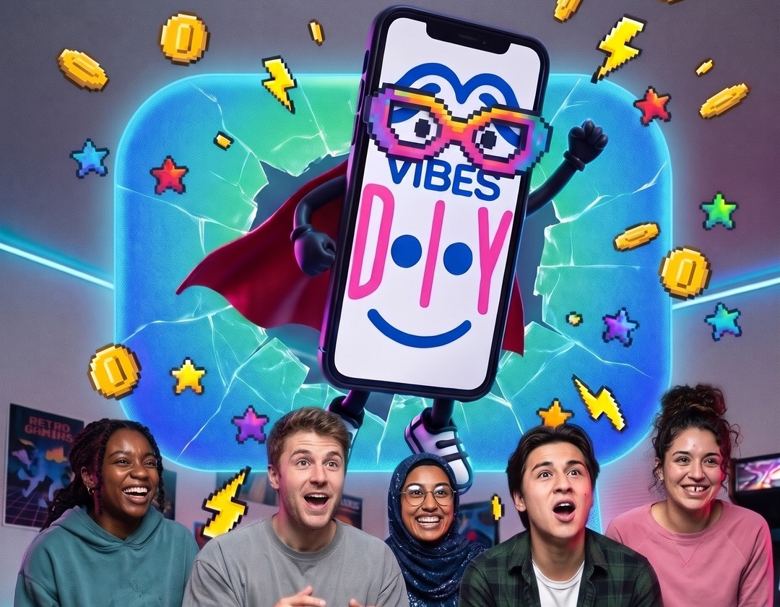
Cast your hero team. Vibes comes too.
Turn your friends into superheroes.
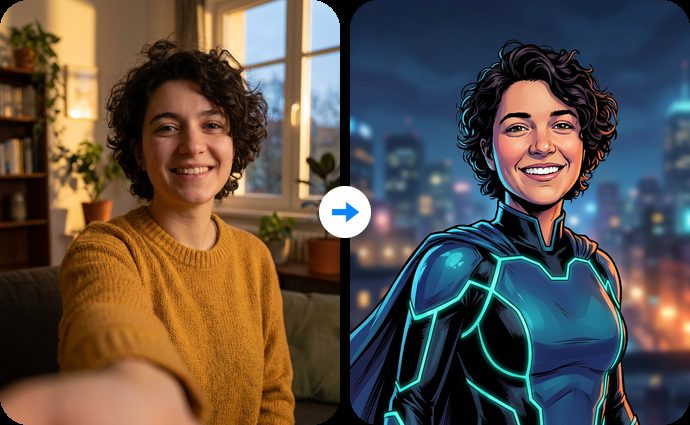
Cast your friends. Vibes tells the story.
Your crew is next.
Your crew stars in every episode.
Each friend's selfie becomes a hero, like these:
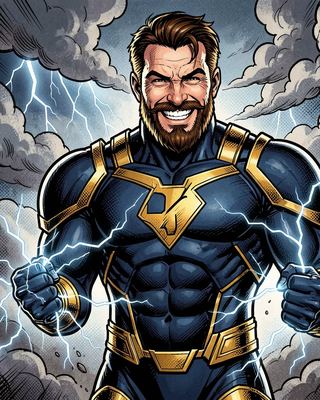 Captain Atlas
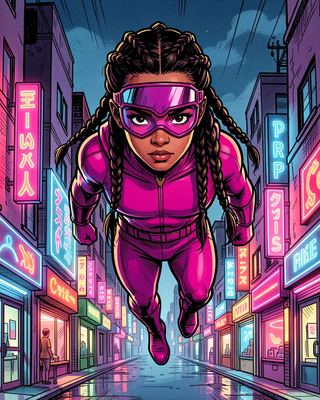 The Pixel
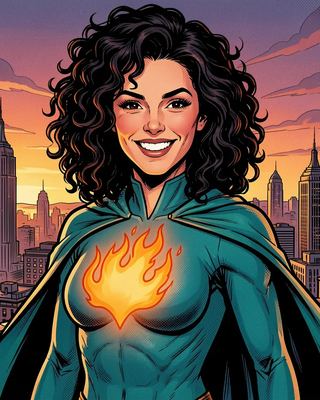 Nova Flare
Episode 1, The Midnight Blackout: the Night Shift has until sunrise to light the whole city back up.
Vibes joins the group, so like anyone on a group text, it sees who’s in it. This page doesn’t save the number you type.
Add your friends on the To: line.
Vibes joins the group, so like anyone on a group text, it sees who’s in it.
- 1Type one friend's number.
- 2Messages opens with them and Vibes. Tap + to add more friends. Each one fills a role.
- 3Press send. Everyone sends a selfie and takes a role.
To: your friends + Vibes
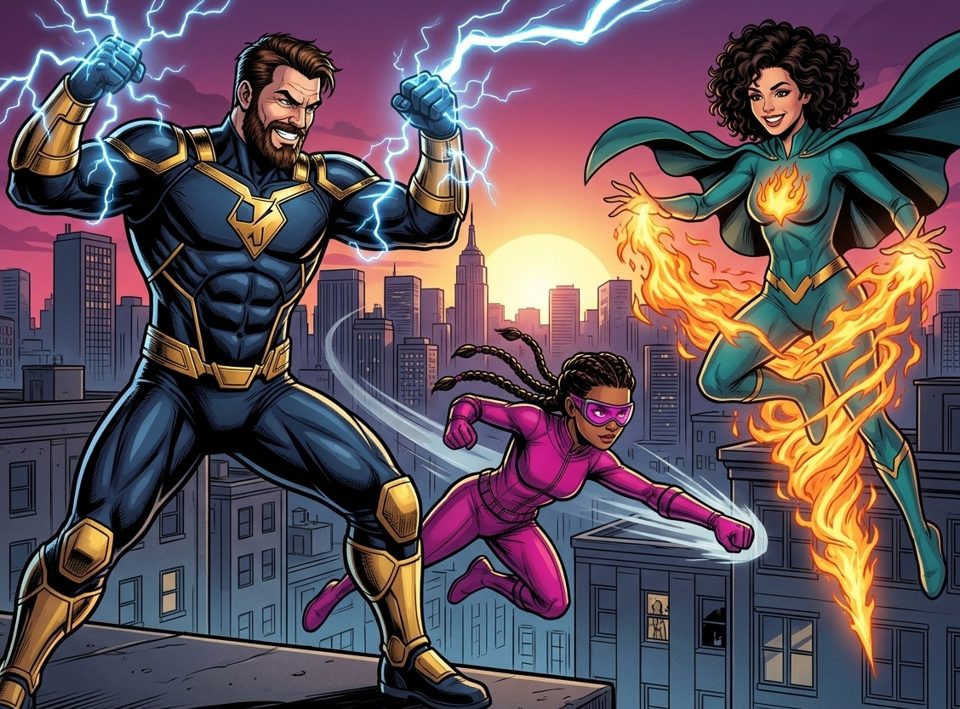
Vibes texts your friends a story. Each friend adds a selfie and becomes a character. Anyone can text “vibes stop” to stop it.
Group texts with Vibes run in iMessage. Open this on your iPhone to cast your team.
Works with friends on iPhone · Once it says hi in a group, Vibes reads its new messages · "vibes stop" pauses it · Privacy · Texts Vibes DIY at +1 (503) 917-0182 · Msg & data rates may apply