Build games with
blocks, not code
A Scratch-style playground where you drag Blockly blocks to create real games. AI generates your sprites. No programming experience needed.
Three steps to a playable game
Pick a template
Start with Pong, Breakout, Sprite Chase, or a blank canvas. Each comes with pre-wired sprites and logic.
Drag blocks
Snap together movement, collision, scoring, and sound blocks. Each sprite gets its own script — just like Scratch.
Hit 🟢 Run
Your blocks compile instantly. The game runs live on stage. Edit, run, repeat — no build step, no deploy.
Everything a game needs
8 Block Categories
Events, Motion, Control, Sensing, Looks, Score, Sound, and Math. Over 30 blocks to compose any game logic.
AI Sprite Art
Type a prompt, hit Generate. ImgGen creates your character art in seconds. Or use colored shapes — your call.
Sound Effects
Five preset sounds (ping, pop, buzz, blip, whoosh) plus a custom tone generator. Web Audio API under the hood.
Sprite Messaging
Broadcast and receive messages between sprites. The same pattern Scratch uses for inter-sprite communication.
Auto-Save
Projects save as you build. Come back later and your blocks are exactly where you left them.
AI Chat (coming)
The callAI block lets NPCs talk using real AI. Build Zelda-style worlds where every character has a brain.
Games people are building
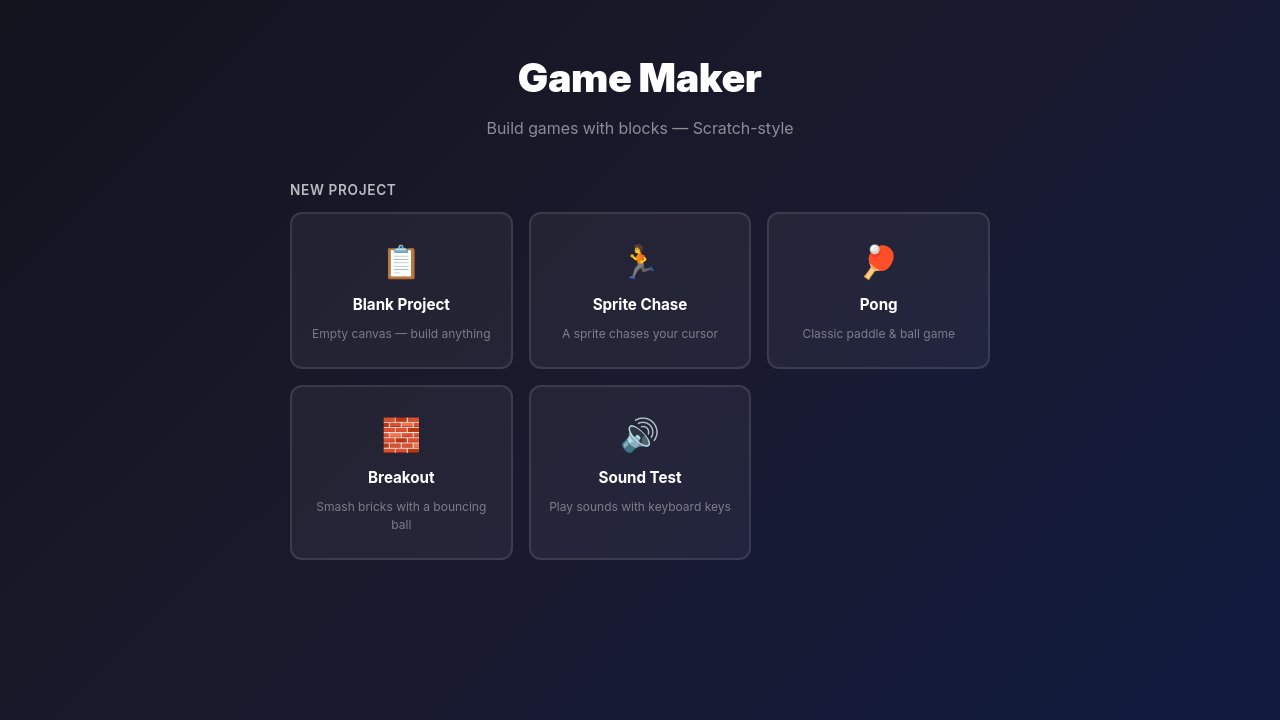
🧩 Game Maker
The Scratch-style editor itself. Pick a template, drag blocks, build anything.
editor
🏃 Sprite Chase
AI-generated sprites chase your cursor. Pick a theme — Ocean, Space, Forest, or Candy.
blockly + imggen
🐸 Frogger
Classic hop-across-traffic with safe islands. Six lanes, three lives, one frog.
arcade
🗡️ Wizard Quest
Explore a forest map, talk to AI-powered wizards. Each NPC generates unique dialog.
rpg + callaiYour game is one drag away
No install. No sign-up required. Just open the editor and start snapping blocks.
🟢 Open Game Maker