# Run your team's routine from a group text
> A run of show, a setup crew, a camp check-in, a closing checklist: the people doing the work are standing up, and a sentence in the group text is quicker than opening an app. Here are the five apps from our pages that make the best text helpers, and what your team would say to them.
Source: https://good.vibes.diy/blog/run-your-team-from-a-group-text
Published: 2026-11-22
Some apps get used at a desk. Others get used by someone holding a clipboard, a box of name tags or a mop. For the second kind, the quickest way in can be the group text your team already has. Give the app a few verbs, and someone can say what happened in a sentence and the app updates. Vibes joins the group at its number, +1 (503) 917-0182, and does the typing into the app when someone asks.
The crew says what happened. Vibes keeps the sheet and says what's next.
We went through the apps on our landing pages and asked one question of each: would the people using it rather text it than tap it? These five came out on top. Each one is a routine where people are busy with their hands, the update is short, and several people need the same answer. They're starting points: each app works on the page today, and the sentences below are what your team would text once your copy of it has the verbs to match (more on that below).
## 1. The run of show
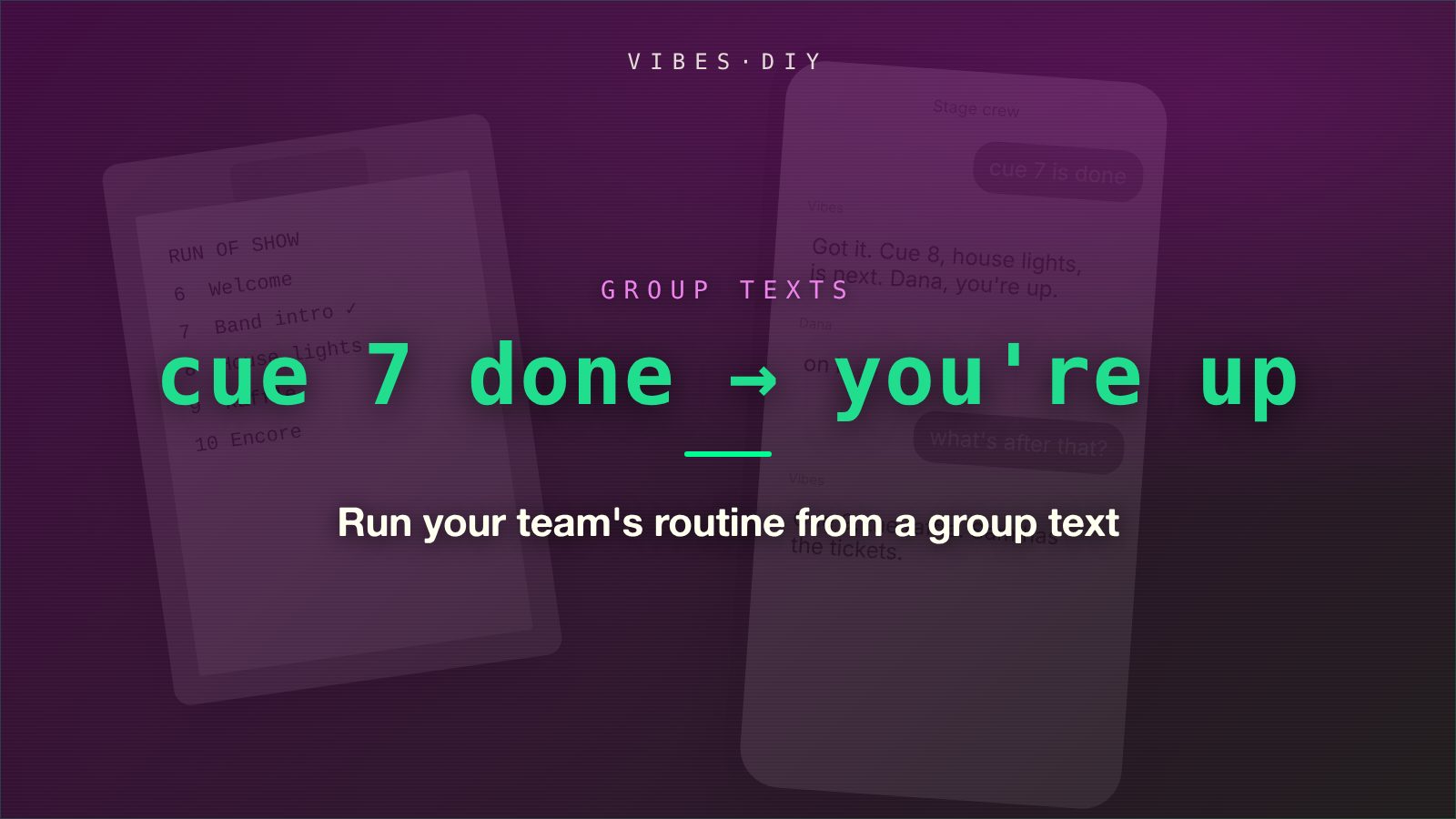
An event's running order, live: what's on now, what's next, who's on deck. From [the organizers page](https://good.vibes.diy/organizers).
What the crew would text:
- "cue 7 is done"
- "what's next?"
- "we're running 10 minutes late"
The stage manager stops being the person everyone asks. Everyone asks the chat, and the sheet stays right for the person who opens it on a laptop.
## 2. The setup crew sign-up
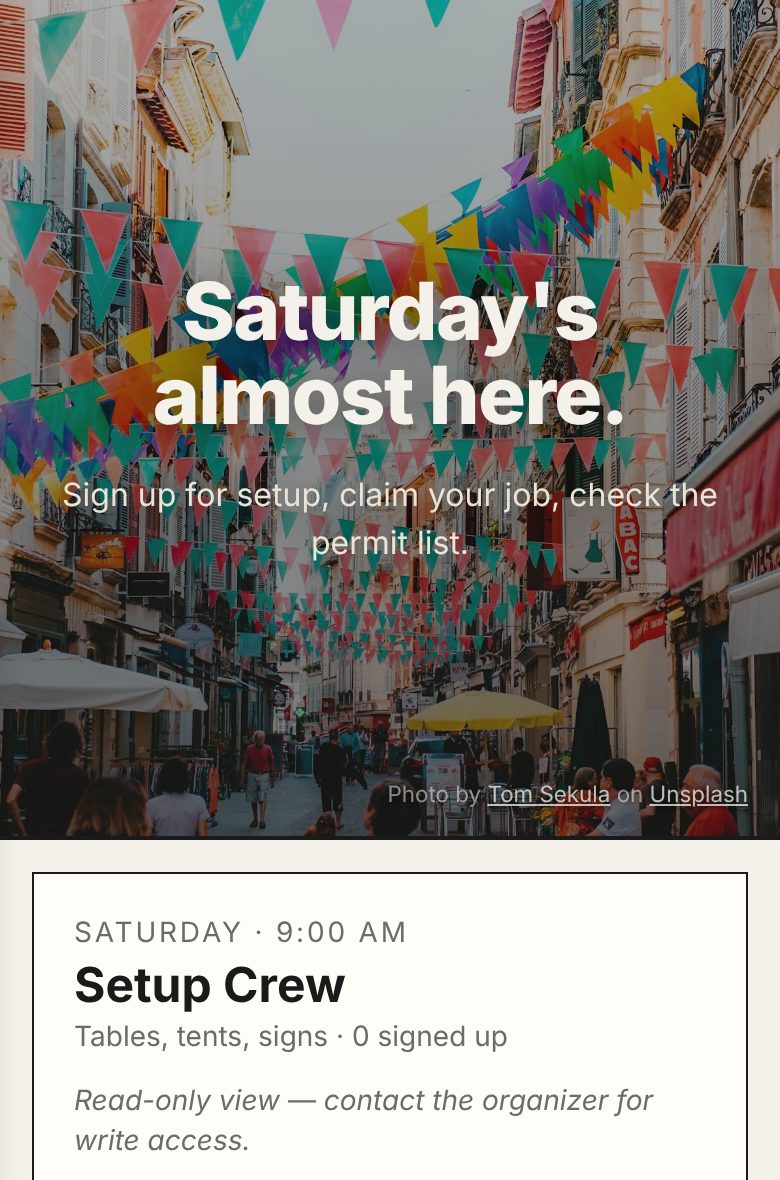
Who's doing tables, tents and teardown on Saturday. The [Block Party setup crew](https://vibes.diy/vibe/og/block-party-setup-crew) is the example, from [the block party page](https://good.vibes.diy/block-party).
The setup crew app. Give it a sign-up verb and joining a shift is one sentence in the chat.
What the neighbors would text:
- "put me on setup"
- "who's on teardown?"
- "I can bring two folding tables"
A sign-up sheet works best where people already are. When the chat is where the block party gets planned, the chat is where people sign up.
## 3. The camp check-in board
Who has arrived and which cabin they're in. The [Camp Check-In Board](https://vibes.diy/vibe/og/camp-arrival-board), from [the summer camp page](https://good.vibes.diy/summer-camp).
What the counselors at the gate would text:
- "Maya's here, Birch 3"
- "who's still expected?"
- "Theo's going home early"
A counselor with a line of cars has one free hand. A sentence works with one hand.
## 4. The closing checklist
The end-of-shift sign-off: fryer, floors, register, lock. The [Closing Sign-off](https://vibes.diy/vibe/og/closing-sign-off-checklist), from [the shared rituals page](https://good.vibes.diy/shared-rituals).
What the closing crew would text:
- "fryer's clean"
- "what's left before we lock up?"
- "all done, heading out"
Each station gets its name next to it, and the manager sees the night closed without having to be there.
## 5. The jobsite check
A step-by-step install check where each step gets a photo. The [HVAC install check](https://vibes.diy/vibe/og/hvac-install-check), from [the trades page](https://good.vibes.diy/contractors).
What the tech would text:
- a photo of the nameplate, with "unit 2"
- "refrigerant charge checked, 118 psi"
- "what's left on this job?"
A photo is the easiest thing to send from a phone, so a check that runs on photos suits a text better than a form.
## How an app learns to take a text
What you can do in an app in one step, an app can also offer as a verb: sign up for a shift, mark a cue done, check a camper in. You declare those verbs as [tools in the app's backend](https://good.vibes.diy/docs/your-app-has-a-backend#tools-the-verbs-a-person-can-ask-for), and Vibes uses them when someone in the chat asks for that thing. It acts as the person who asked, or as the group for something that belongs to the group, always under the app's own [access rules](https://good.vibes.diy/docs/access-model), so a text does no more than the page would allow.
Group chats with Vibes run on iMessage today. To bring an app into a group, say so in the chat: "vibes, add Setup Crew to this chat". "vibes settings" shows everything the chat is connected to. [Vibes in a group chat](https://good.vibes.diy/docs/group-chats) covers who Vibes acts as and what it can see.
You don't have to write a backend to get there. Text Vibes the routine the way you'd explain it to a new teammate:
> Make a run of show for Saturday's show. The crew should be able to text me cue updates, and anyone can ask what's next.
The examples above are a good place to start. Open one and tell Vibes what your team does differently.
## Reminders by text
The simplest routine needs no app at all. Text Vibes one to one, "remind me at 4 to confirm the van", and it sets a reminder for 4. When the reminder comes, answer "done" or "snooze 1h" and it understands.
An app can be built to text people later too, like a heads-up the night before a shift. Built that way, Vibes asks each person first in its own words, keeps their yes, and that text goes only to the people who said yes. Anyone can text "stop" to end it, and in a group, "vibes stop" pauses Vibes for the whole chat.
## Start one
[Text Vibes](https://good.vibes.diy/text) the routine your team runs every week, and add Vibes to the group text where the team already talks.